
Get haunted. Get things done.
Ghost Reminder
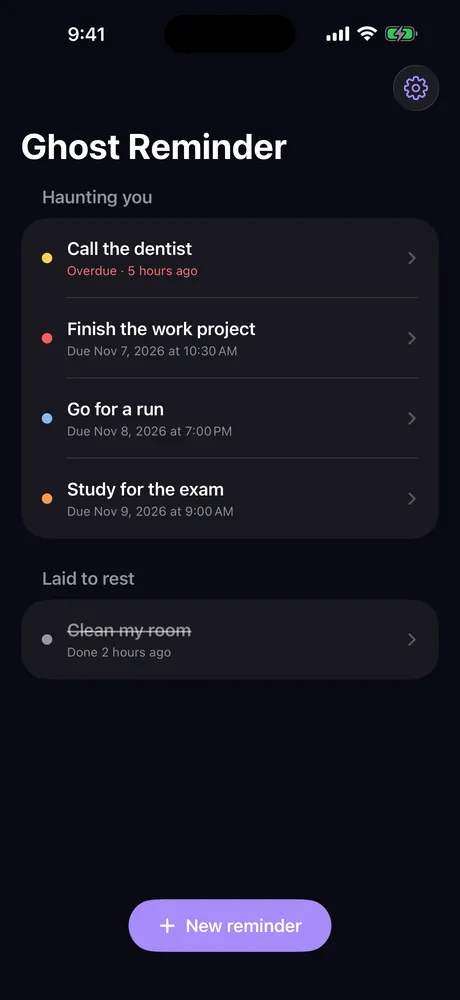
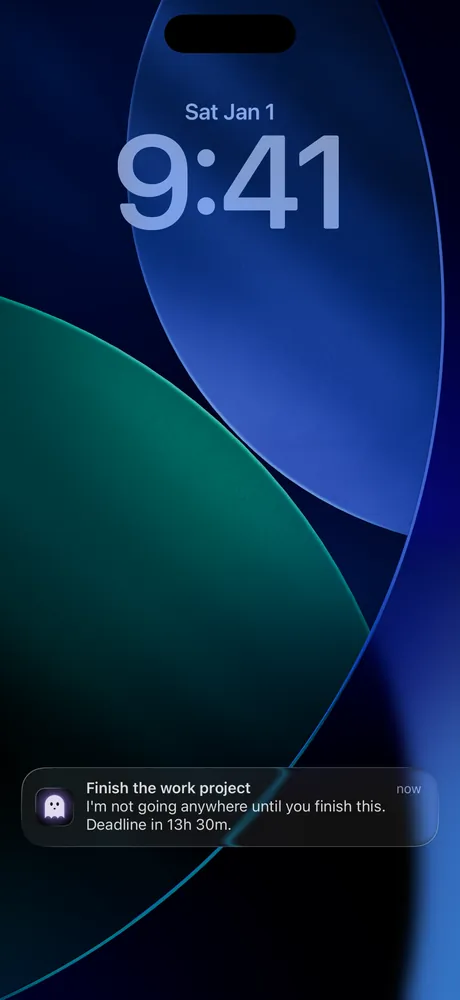
Some tasks need more than a reminder. They need a little haunting. Your ghost sends reminders at random moments, with a spooky sound, and won’t stop until you mark the task as done.
 Coming soon to the App Store
A little scare. A lot of motivation.
- Random remindersYour ghost checks in at unexpected moments throughout the day, so the reminder is hard to ignore.
- A spooky soundA short, startling sound brings your attention back to the thing you have been putting off.
- Four importance levelsLow, Medium, High or Critical: up to 40 random reminders a day for the tasks that matter most.
- DeadlinesSet a deadline. When it arrives, your ghost keeps checking in until the job is done.
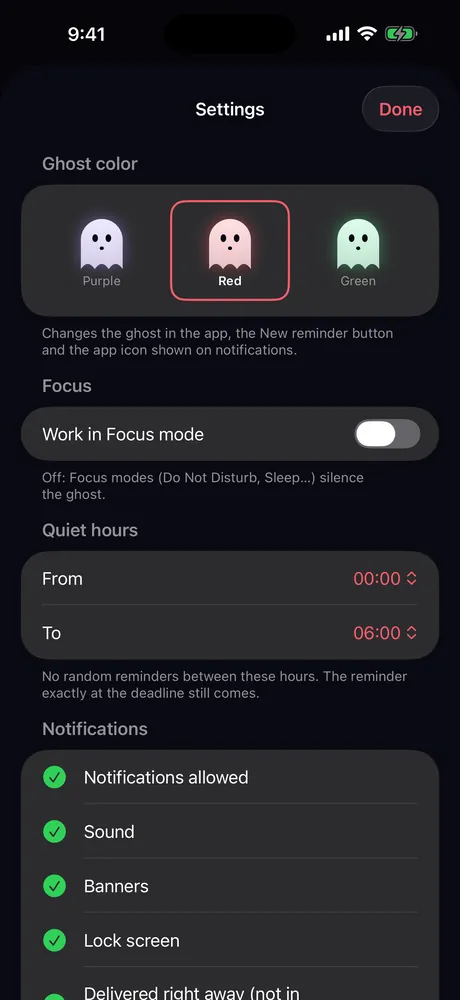
- Quiet hours and FocusChoose times when your ghost stays quiet, and how it behaves in Focus modes.
- Your ghost, your colorPurple, red or green: the color of your ghost, its button and its notifications.
Need a little help?
How do I stop the reminders for a task?
Open the task and mark it as done. Your ghost stops haunting you right away.
Reminders don’t arrive.
Check iPhone Settings → Notifications → Ghost Reminder and make sure notifications and sounds are on. Also check your quiet hours and Focus settings in the app.
How do I change my ad consent?
In the app: Settings → About → Ad privacy.
Where are my tasks kept?
Only on your iPhone. There is no account; deleting the app deletes your tasks too.
Let’s work it out.
Questions and feedback? Write to us:
support@robiapps.com